Windows App
Use MoodLens from your Windows workspace with the full task, board, docs, and AI workflow experience.
Platform where AI and humans work together. Use Moody for day-to-day execution, bring specialists into Team Discussions, turn stable flows into automations, and run it all inside one shared workspace.
Click through core views including the AI workspace for employees, team discussions, and automation before you sign up.

Your personal command center with smart task prioritization
Some visitors want a guided explanation before they explore the rest of the page. This section keeps the walkthrough visible without breaking the current UI language.
The homepage already shows the product well. This adds both a fast overview and a second product walkthrough for visitors who prefer video before they dive into sections, comparisons, pricing, or the help center.
Show one quick overview and one deeper product walkthrough in the same section.
Give new visitors a clearer explanation before they sign up or open the app.
Keep both demos in the same branded flow as the rest of the homepage.
Start today on Windows and Chrome. Mac, Android, and iOS are marked clearly so visitors know which apps are next.
Use MoodLens from your Windows workspace with the full task, board, docs, and AI workflow experience.
Capture tasks, talk to Moody, and turn readable pages or meetings into structured follow-up from the browser.
A native Mac desktop experience is in the roadmap for teams working across Apple devices.
Mobile task capture and workspace review for Android are being prepared for a later release.
A focused iPhone and iPad experience is coming after the current desktop and browser surfaces.
The product story is bigger than a to-do list. MoodLens combines work planning, shared execution, imports, and role-based AI into one modern workspace.
Run tasks, boards, backlog grooming, sprints, and calendar planning from one operating surface.
Keep docs, chat, comments, and meeting follow-up inside the same workspace context.
Moody handles daily execution, while AI Employees, Team Discussions, automations, and System Packs extend the operating layer.
Import existing projects and connect active engineering work without forcing teams to start over.
MoodLens AI is layered. Moody stays close to tasks, meetings, docs, and workspace flow, while AI Employees add reusable roles, Team Discussions, delegation, and automation when the work needs more than one assistant.
Moody works inside the workspace layer. Use natural language to capture work, summarize meetings, update tasks, and move between planning and execution without losing context.
Use Moody when the team needs fast help inside daily work: planning the day, updating tasks, summarizing meetings, and turning messy context into clear next steps.
Bring in AI Employees when the work needs role templates, knowledge, tools, messaging links, automations, or shared specialist threads. Use Team Discussions when multiple employees need to respond together, delegate work, and keep status visible in one place.
Get instant insights into your team's velocity, focus habits, and task completion trends through detailed analytics dashboards.
Kanban boards, backlogs, calendars, smart daily views, and agile sprint planning — all in one workspace.
Context-aware daily lists, backlogs, and priority queues — auto-organized around your focus.
Full Kanban boards with backlog management for visual project progression across workspaces.
Unified calendar with agile sprint boards, story points, and task types for high-velocity teams.
Docs, team chat, comments, meeting follow-up, and live workspace context stay connected instead of getting split across disconnected tools.
Real-time messaging and threaded conversations right alongside your tasks and projects.
Write rich documents, comment in context, and pull teammates into the work without leaving the workspace.
Track updates, handoffs, and movement across shared workspaces without hunting through separate tools.
MoodLens separates imports, live connections, outbound actions, messaging surfaces, and workspace secrets so the AI layer can operate across real tools without pretending every system is the same kind of integration.
Use imports when the goal is to bring existing structure into MoodLens and keep moving from there.
GitHub is the live engineering lane: connect repositories, attach issues and pull requests, and keep execution tied to real delivery work.
Import from Trello, Jira, Asana, Notion, and ClickUp when the goal is migration, not fake ongoing sync.
Keep active engineering work grounded through the live GitHub connection instead of treating it like a static import.
Let AI Employees and automations use workspace secrets, outbound lanes, and connected context without pasting raw credentials into prompts.
The public site should surface these real lanes clearly: imports stay imports, GitHub stays live, and the action layer extends through messaging, webhooks, keys, and secrets.
The AI layer is also designed to work across outbound tool lanes, not just imported project data.
AI Employees and Team Discussions can extend into Telegram and WhatsApp, so specialist collaboration and follow-up do not have to stay trapped in the browser.
Start with Moody, bring in role-based AI Employees, let them collaborate in Team Discussions, and turn proven workflows into reusable operating systems.
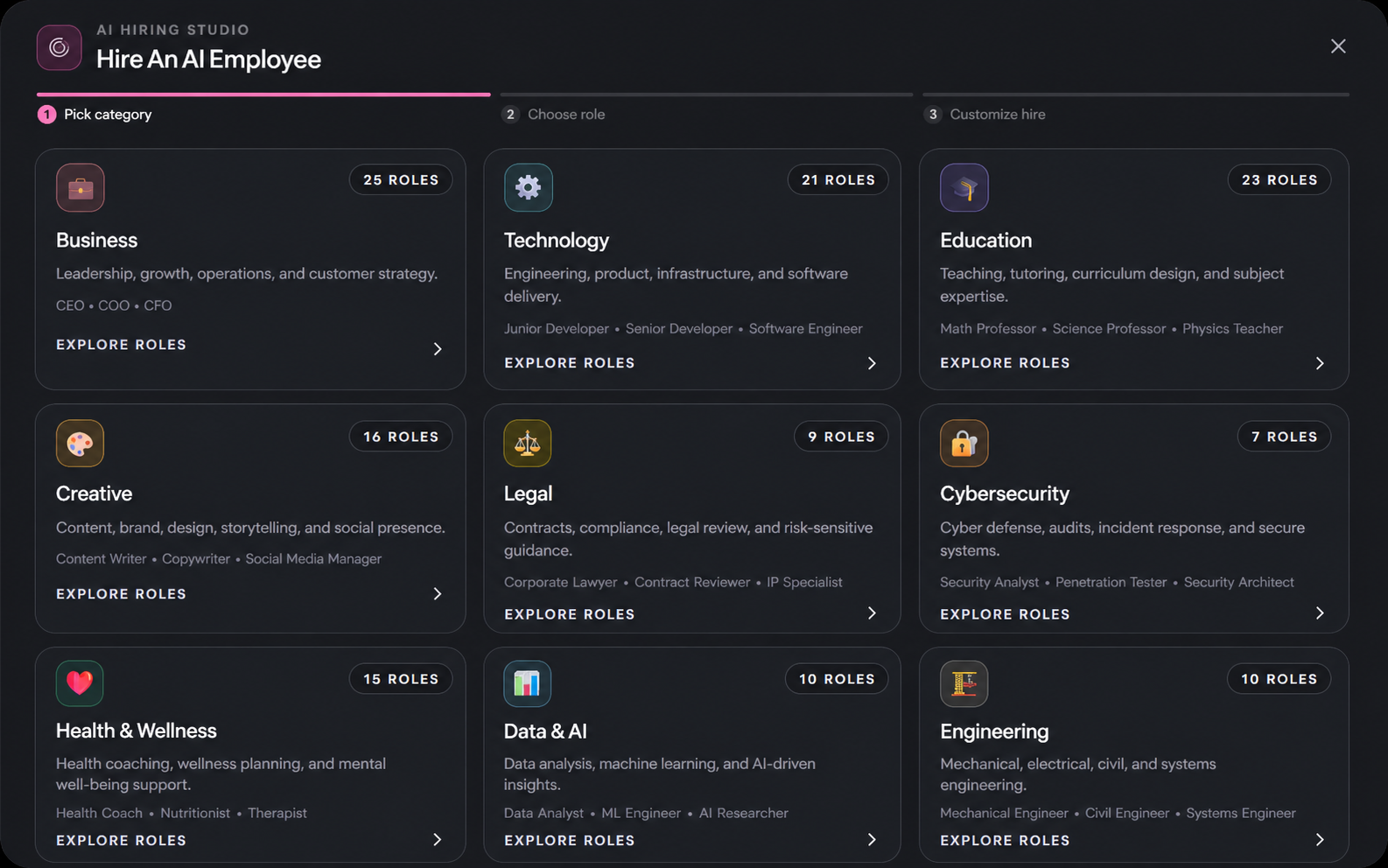
Hire role-based specialists from templates instead of stretching one assistant across every discipline.
MoodLens AI moves in stages: ask, collaborate, repeat, and scale. The product is built to move work from conversation into durable operating systems.
Start with Moody or a single AI Employee when the team needs fast workspace help.
Open a Team Discussion when one expert is not enough.
Turn stable patterns into automations once the workflow is proven.
Package the reusable setup into a System Pack and roll it out again.
Work templates are part of the workspace experience. Finance and life packs are optional starting points you can customize if they fit your workflow.
Professional templates for project management, OKRs, sprint planning, and team workflows.
Optional templates for budgets, expense tracking, savings goals, and finance planning.
Optional templates for routines, habits, personal planning, and day-to-day organization.